Sponsored Article
Your guide to Bord Bia remote audits

Sponsored Article
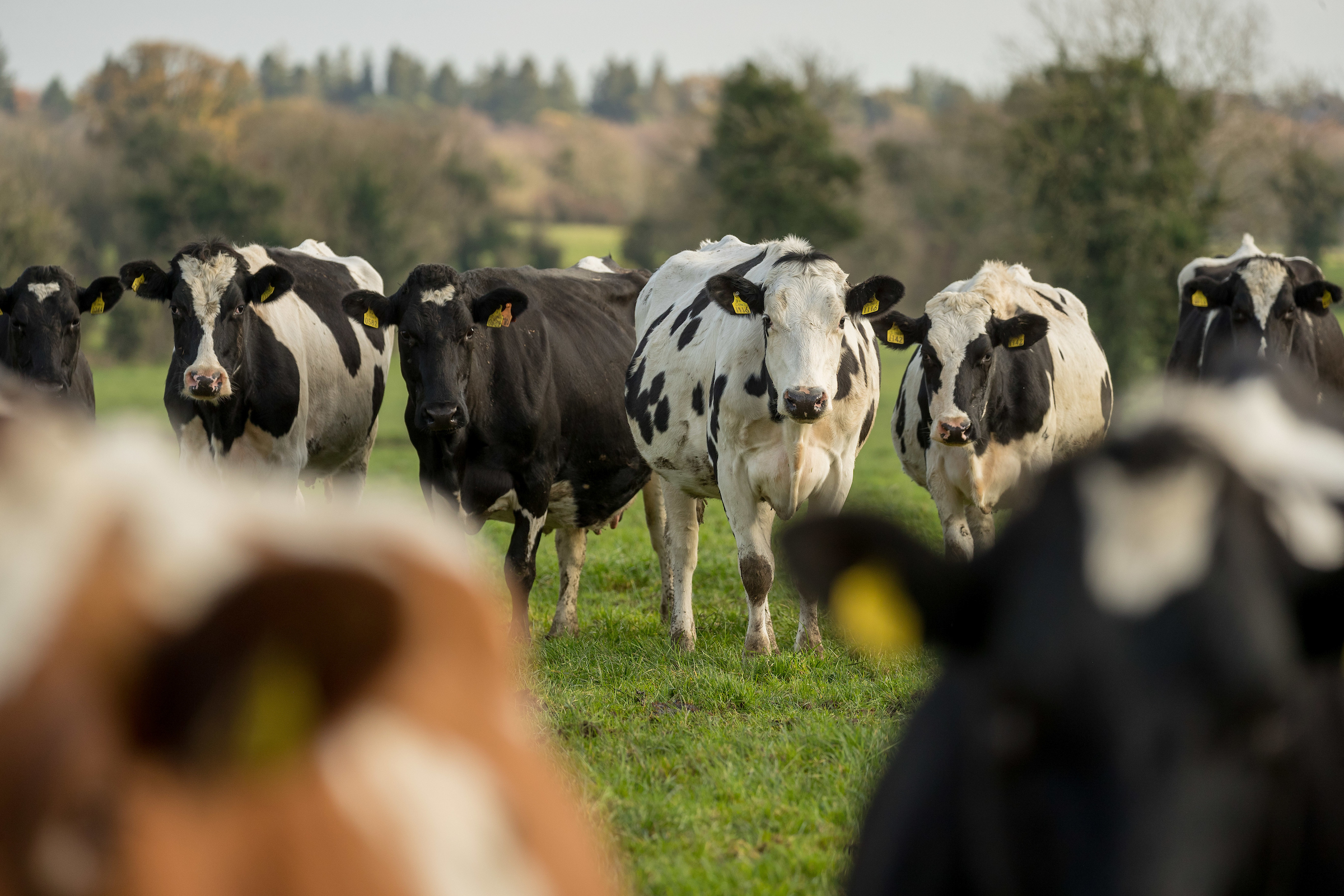
Bord Bia introduced remote audits in April last year as a result of Covid-19. In place of a farm visit, Bord Bia auditors instead conduct a farm check over the phone.
Before this phone audit, farmers are requested to provide photos of their farm and farm records. These photos can be uploaded from your phone to a specially developed secure platform. Farmers also have the option of sending photos via post.
The Bord Bia Helpdesk (01-524-0410) is available, 9:00am to 8:00pm, Monday to Friday, throughout the process.
Why are remote audits necessary?
Remote audits are an important method of verifying on-farm compliance with scheme standards when on-farm audits are not possible.
Bord Bia developed remote audits to ensure the integrity of the schemes and their continued accreditation under the Irish National Accreditation Board (INAB). Remote audits have also allowed for the continued certification of eligible farmers, and the continued supply of Quality Assured produce.
How do I know when my audit is due?
You can check when your certification is due for renewal by entering your herd number [button link="https://qas.bordbia.ie/livestock/Verify/"]here[/button]
If I am due for an audit, will I have a remote or an on-farm audit?
In line with the government’s Resilience and Recovery 2021 – The Path Ahead, only remote audits can take place until at least April 5.
On-farm audits can take place only during levels 1, 2 and 3. However, farmers also have the option of a remote audit – whichever they are most comfortable with.
When any individual county, counties, or the whole country is at level 4 or 5, then only remote audits will be conducted. If a farmer’s audit is scheduled as an on-farm audit and we then move to levels 4 or 5, their audit will be rescheduled as remote audit and they will be notified.
What is involved in a remote audit?
The steps below take you through the process involved.
Step 1 – renewal letter
You will receive your renewal letter by post outlining when your audit is due. The letter will include a check list of areas to be covered in the audit i.e. photos you will need to take of your farm and farm records and areas for improvement on your previous audit (if applicable).
Step 2 – pre-audit
Your auditor will call you to arrange a time and date for your remote audit. Once a date has been agreed, your auditor will send you a unique link via text message that allows you to upload your records safely.
Click the link and read the instructions on the top of the screen. If you need assistance, call the Bord Bia Helpdesk (01-524-0410).
Step 3 – take photos
Next, you will need to take photos of your farm and farm records. The full list required will be outlined in the renewal letter.
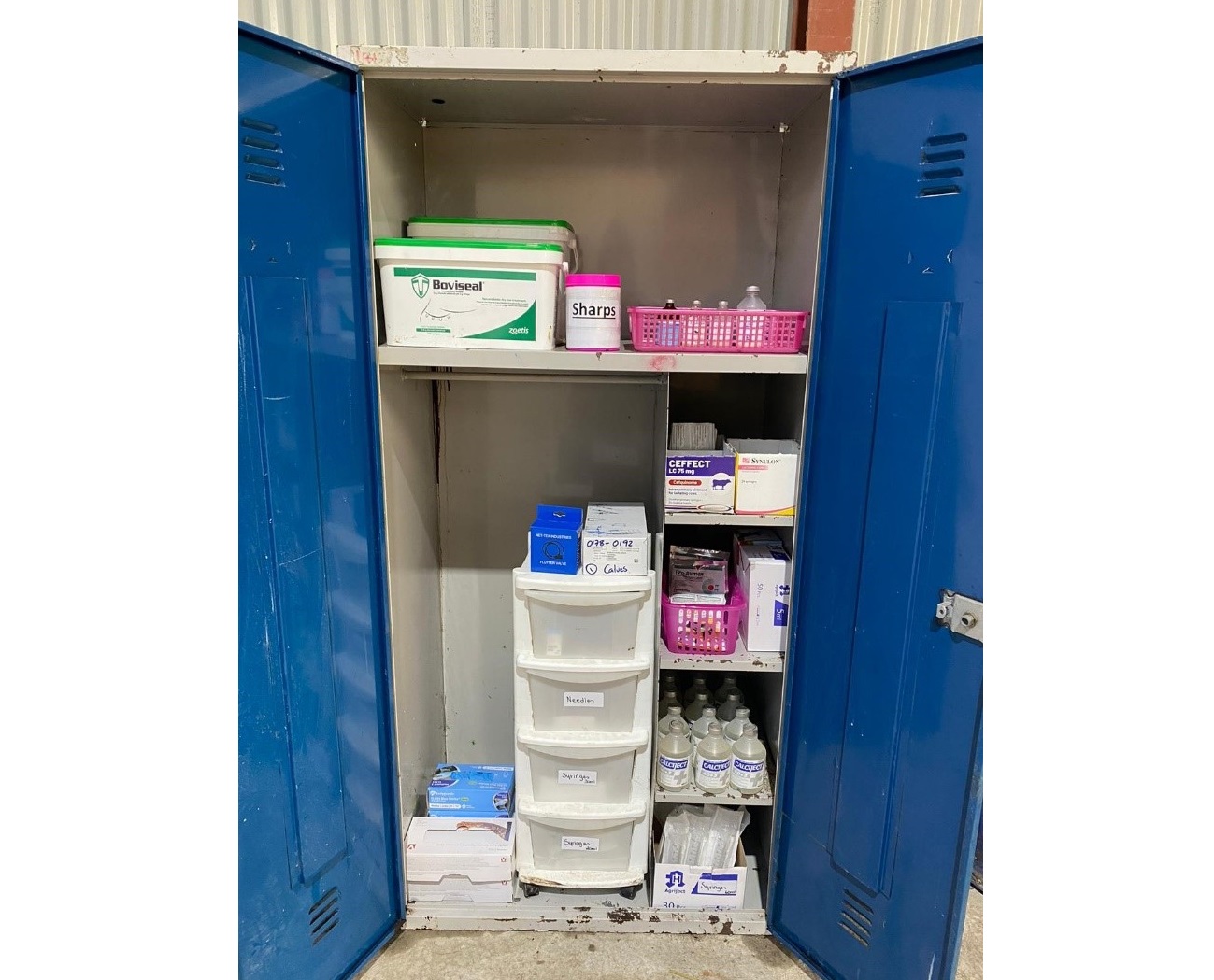
They include photos of cattle housing facilities; feed storage area; medicine storage; handling facilities; and your stock. Dairy farmers must include the dairy and some milking equipment (see the troubleshoot guide below for more info).
Top tip: Photos should be well lit, in focus and relevant.
Step 4 – upload information
Read and follow the instructions for each pre-audit information section. Upload the photos to each blue box. Select ‘not applicable’ if a question does not apply to your enterprise.
All photos must be uploaded at least 24 hours prior to your phone audit. You will receive text notifications reminding you to do so.
Step 5 – phone audit
After you have provided the necessary information, the auditor will call to conduct the phone audit. The audit will follow the normal process of: A) opening meeting; B) audit; C) closing meeting.
Reserve enough time for the audit – 45 minutes for beef and sheep (SBLAS) and up to 1.5hrs for dairy (SDAS).
Top tips:
- Have a quiet area for the audit with good phone coverage.
- Have your relevant records readily to hand.
- Have the Sustainability Survey filled in in advance of the audit at: farm.bordbia.ie.
Step 6 – certification
The audit process will follow the normal certification process including a 30-day close-out period for non-compliances. For non-compliances, you will receive a new link after your audit for uploading of close out evidence. Do not use the upload link sent for pre-audit photos.
Trouble shooting
Below are some areas to watch out for when completing your remote audit to avoid unnecessary non-conformances and returns.
Records
- Completed Farm Risk Safety Assessment (FSRA), showing revision date and signature plus at least two pages from machinery or other relevant section.
- Completed Animal Health Plan for 2021.
- Either proof of access to agfood.ie showing your current profile page OR a filled in Bovine Herd Register. Both left and right sides need to be shown, movements in and out, and knackery certs.
- Animal Remedy Purchase receipts, especially vet’s prescriptions for last six months or animal remedy purchases listed in the Bord Bia Farm book, or a computer package or similar.
- Animal Remedy Usage records – Bord Bia needs to see two pages of the most recent remedies and that applies to both remedies bought and used. Records can be in the Bord Bia Farm Book, on a computer package, in the back of Bovine Herd Register etc. Records should show all remedies that were used in the last six months. Records should also correspond to some degree to the photo of the open medicine store contents.
- If using a computer package, then the equivalent of two pages of the Bord Bia farm book that shows the range of remedies used over the recent period is needed e.g. dosing all the cattle at housing is one line in the Bord Bia farm book but it could be two pages in computer records because it lists the tag numbers of all cattle.
- Pesticide records – last two pages of those records.
- Feed records – photos of feed invoices or delivery dockets that shows feed merchant details and the ingredients of feed are useful to meet this requirement.
Top Tip: Please ensure pictures of records are legible otherwise you will be asked to re-submit.
Stock
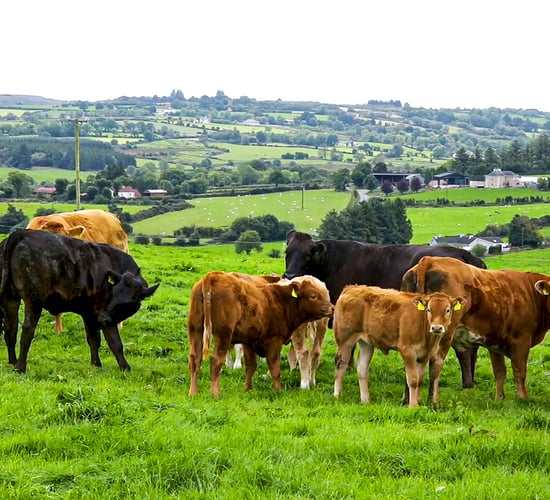
- Detailed photos showing groups of young and old stock (photos of both cattle and sheep if both are on the farm).
- Current stock numbers and sales for 2020.
- Stock passport showing the last test date.
Facilities and housing
- Photos of crush and handling facilities clearly showing skulling gate and race.
- Housing – detailed photos showing interior shots of ALL housing on farm – cubicles, slatted areas, etc.
- If calving occurs on the farm, submit photos of calving gate and calf housing.
- Feed storage – show beef cattle feed storage as well as dairy cow feed storage if applicable.
- Photos of silage pit or silage bale storage area showing draining channels where applicable.
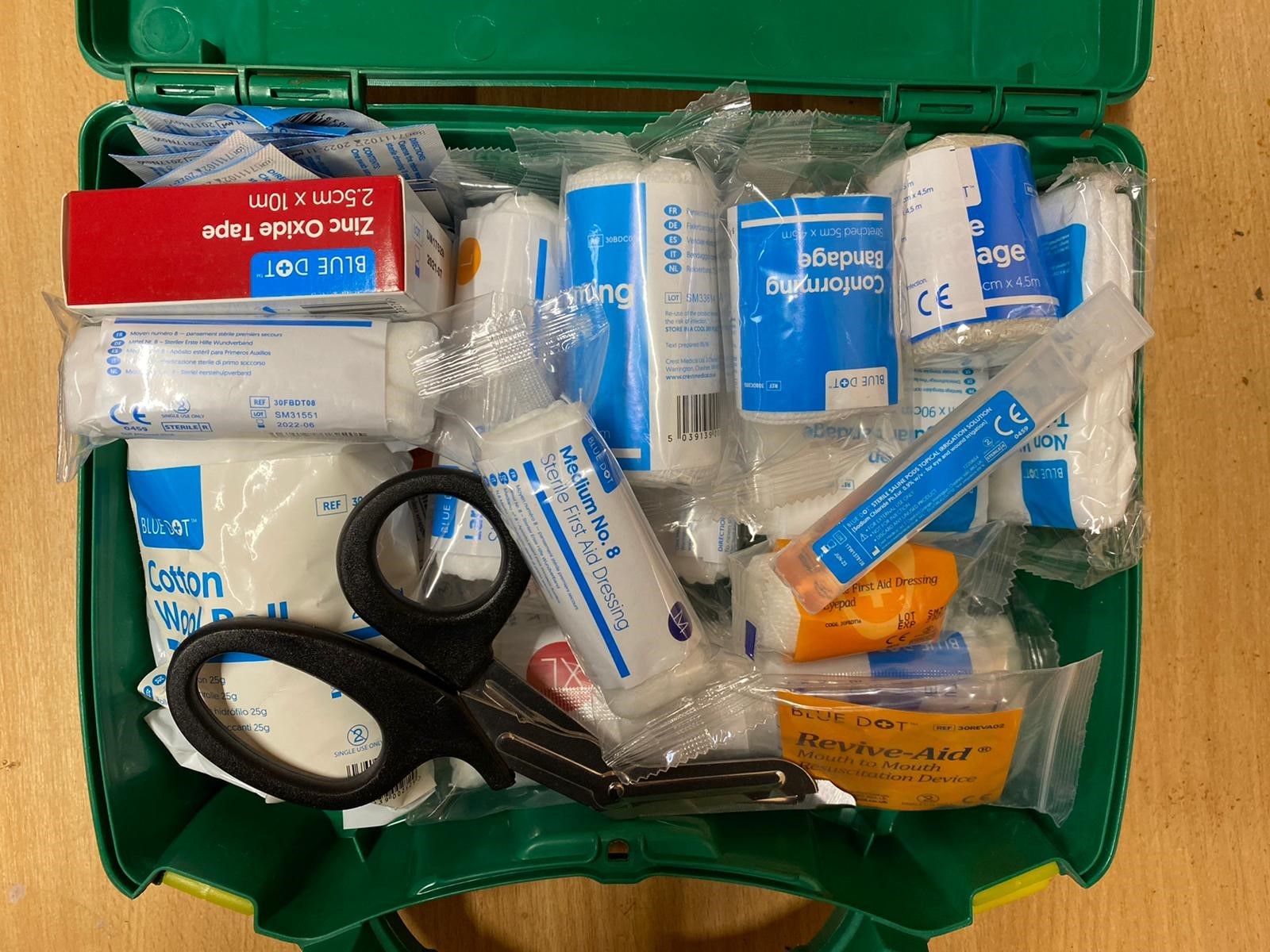
- Photo of First Aid Kit must be open to show the contents of the kit (including eyewash).
- Photo of medicine cabinet open and labels clearly visible.
Dairy only
- Several photos of dairy, ideally from four corners – showing all areas washed down and tidy.
- As above for parlour.
- Photos of milk collection area – this is the area immediately outside the dairy door where the milk is collected.
Further assistance
For more information, call the Bord Bia Helpdesk at: 01-524-0410.
Or go online at: farm.bordbia.ie.
Sponsored Article